

What is an agent?
An agent doesn’t only answer questions. It can do things: use tools, take several steps, and create files (documents, spreadsheets, PDFs) toward a clear goal.Asking a quick question in plain Chat is like texting a knowledgeable friend. Working with an agent is like briefing a teammate who then delivers the work.On AI Suite, Agents are the primary experience. Plain Chat and Assistants are useful extras once you’re comfortable here.
The Core Agent lives in the Agents tab
Click Agents in the left menu. You’ll meet your Core Agent — built into every workspace and ready immediately. No setup required. Open the tab and give it a task.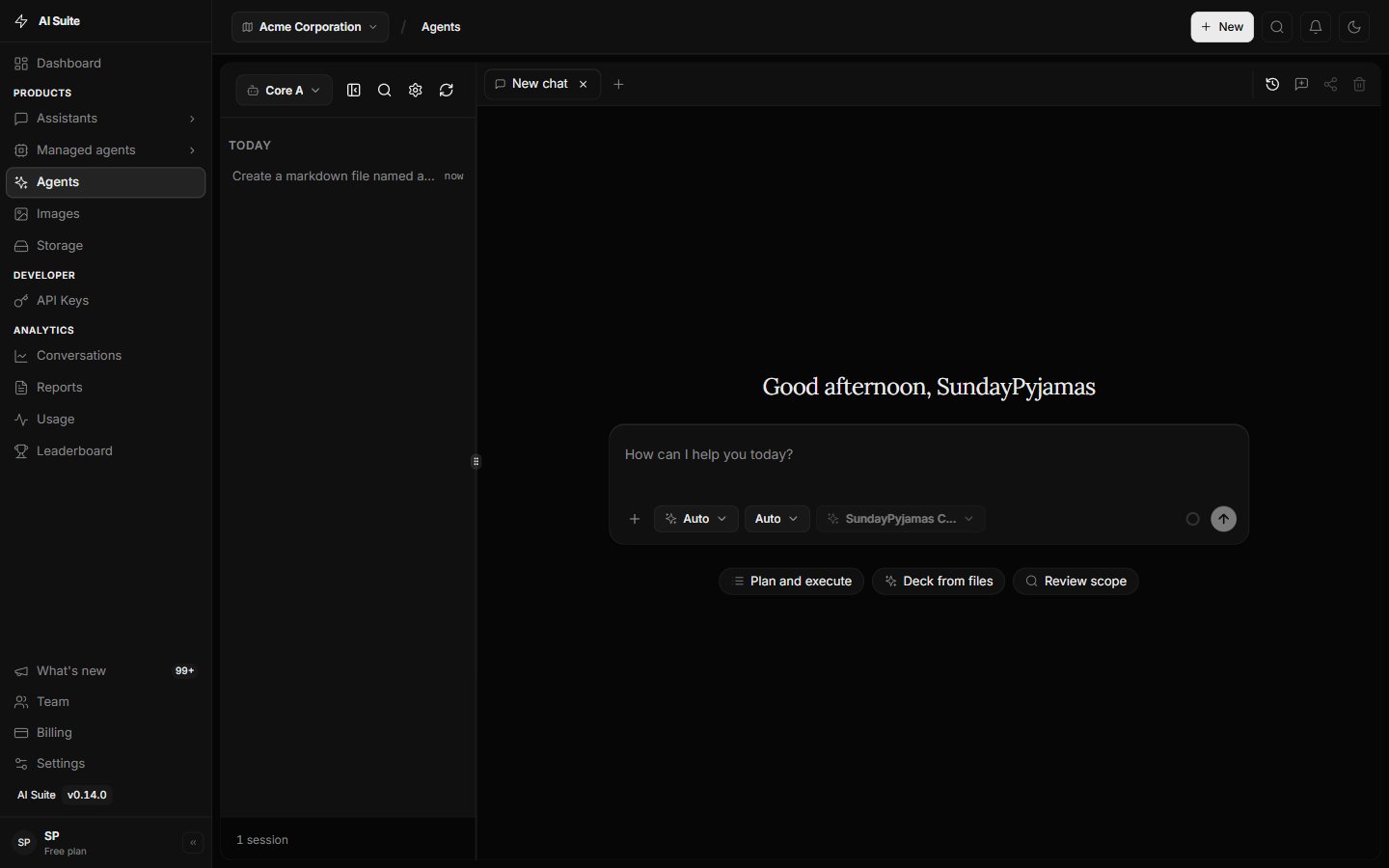
The Agents tab, where you work with your Core Agent.
What makes the Core Agent special
Chat to get work done
Describe the outcome in plain English — the Agent plans and executes.
Create files
Produce documents, spreadsheets, and PDFs you can preview and download.
Use tools
Search, look things up, and use connectors you’ve turned on.
Take multiple steps
Break a task into steps and work through them without you micromanaging.
Agent vs plain Chat
Default to the Core Agent whenever you want a file, a multi-step job, or tools. Use plain Chat only for fast Q&A.
Custom helpers (later)
Most people stay with the Core Agent. When you want a specialist with fixed instructions, you can build an Assistant. That is optional and covered under More Ways to Work.Next step
Using the Agents tab
Sessions, tabs, search, and switching agents.