> ## Documentation Index
> Fetch the complete documentation index at: https://docs.sundaypyjamas.com/llms.txt
> Use this file to discover all available pages before exploring further.
# Create Your Account
> Sign up, log in, and get into your workspace for the first time.
## What is a "workspace"?
A **workspace** is your private area on the AI Suite **platform**. It holds your Agent sessions, files, apps, and settings. If you work with a team, you can all share one workspace. Think of it like your desk at work — your stuff lives there, and you decide who else can sit at it.
## Sign up (first time only)
Go to your AI Suite web address (for example, **suite.sundaypyjamas.com**). You'll see a box asking you to sign in or sign up.
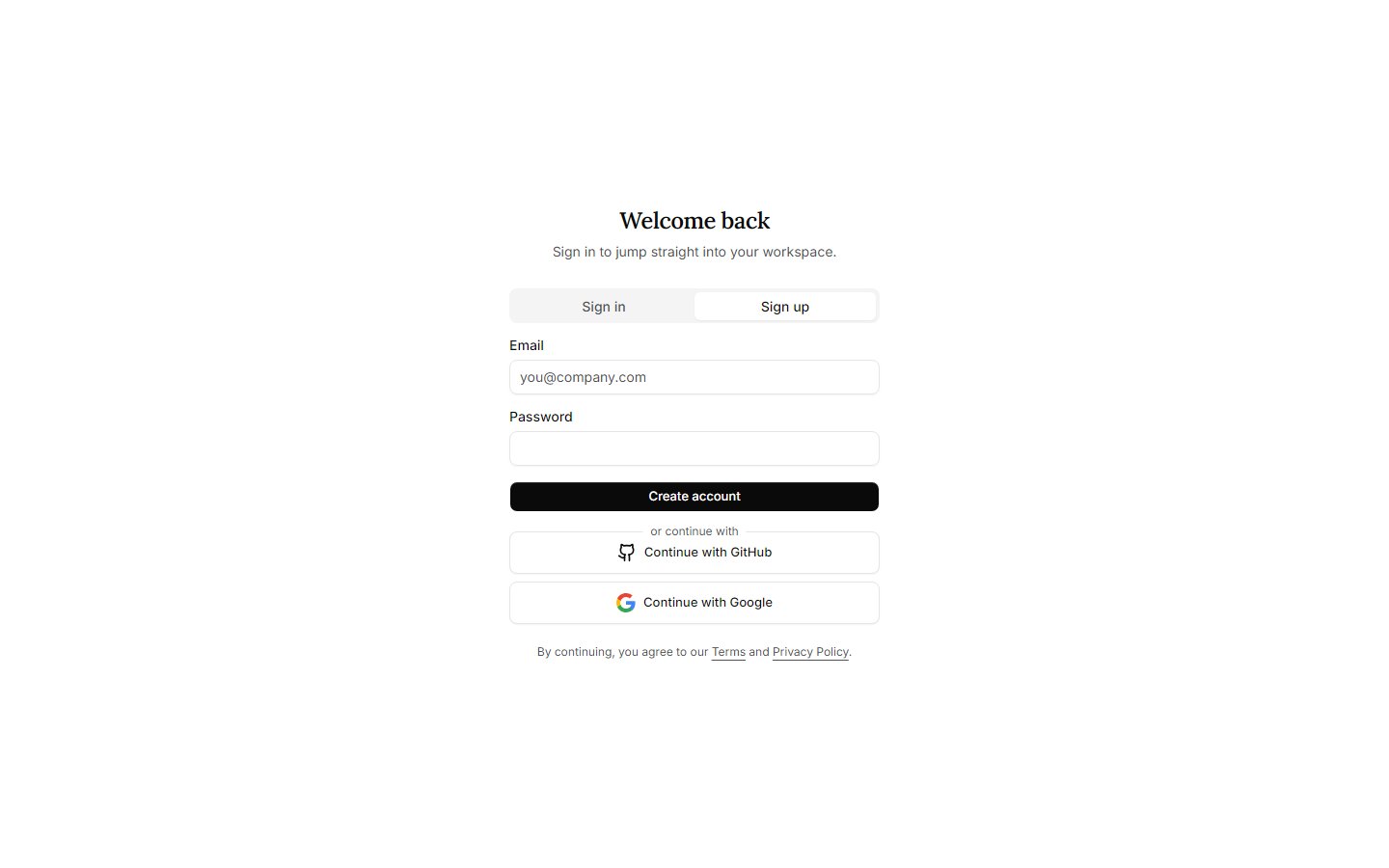 Switch to the **Sign up** tab at the top of the box.
Use an email you can check right now. Pick a password you'll remember (or save it in your password manager).
Check your inbox for a message from AI Suite and click the confirmation link. This proves the email is really yours.
No email after a minute? Check your spam or junk folder, then try again.
## Log in (every time after that)
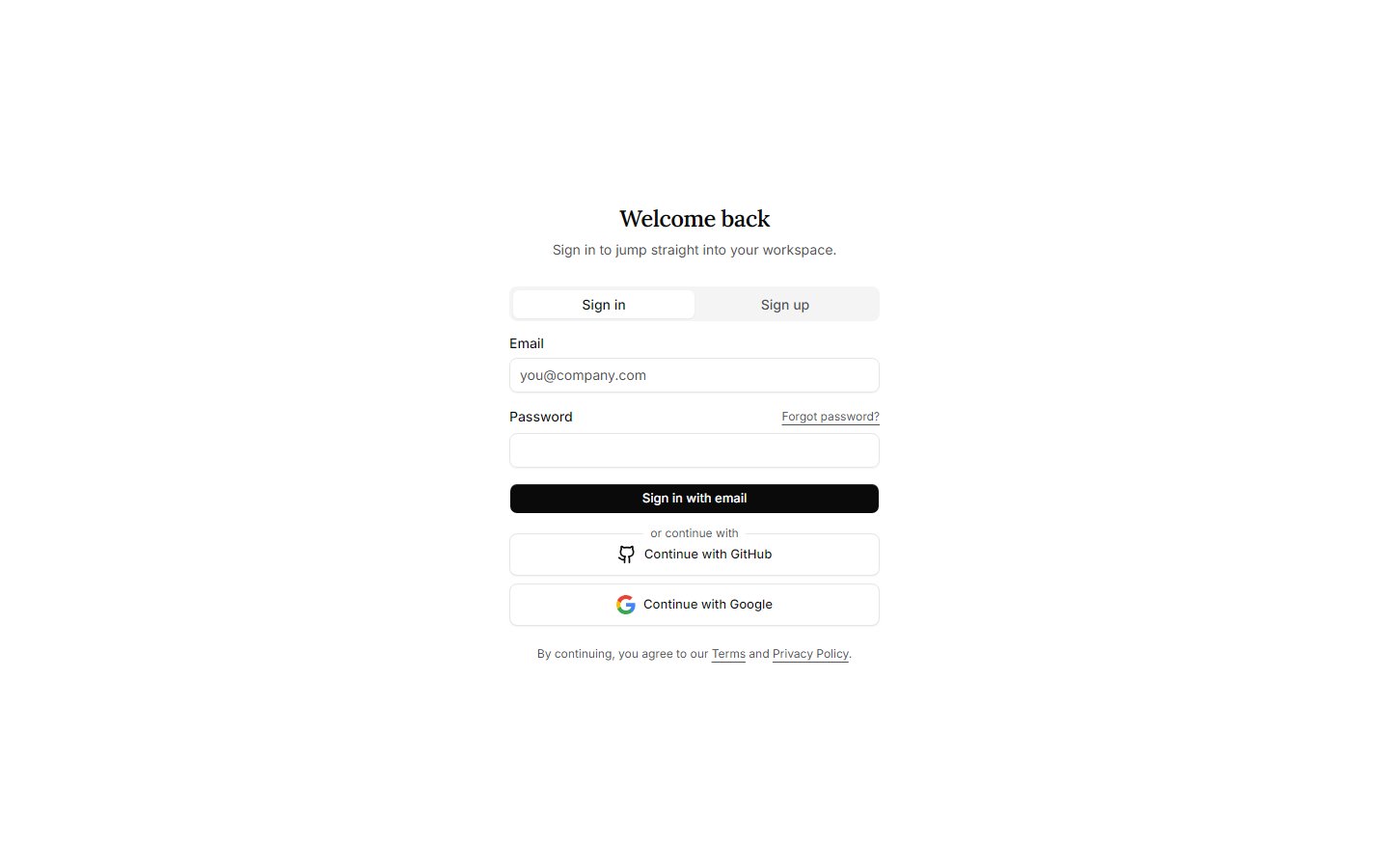
On the **Sign in** tab, type the email and password you used to sign up, then click **Sign in with email**.
Switch to the **Sign up** tab at the top of the box.
Use an email you can check right now. Pick a password you'll remember (or save it in your password manager).
Check your inbox for a message from AI Suite and click the confirmation link. This proves the email is really yours.
No email after a minute? Check your spam or junk folder, then try again.
## Log in (every time after that)
On the **Sign in** tab, type the email and password you used to sign up, then click **Sign in with email**.
 You're in! You'll see your **Dashboard** — the home screen of your workspace. The next page gives you a full tour.
## Forgot your password?
No problem — this happens to everyone.
It's the small link next to the password box.
We'll send you a reset link.
Open the link and choose a new password. Then log in as usual.
Keep your password private. AI Suite staff will **never** ask you for it. If you get an email asking for your password, don't reply — it's not from us.
## Next step
Now let's look around and see where everything is.
You're in! You'll see your **Dashboard** — the home screen of your workspace. The next page gives you a full tour.
## Forgot your password?
No problem — this happens to everyone.
It's the small link next to the password box.
We'll send you a reset link.
Open the link and choose a new password. Then log in as usual.
Keep your password private. AI Suite staff will **never** ask you for it. If you get an email asking for your password, don't reply — it's not from us.
## Next step
Now let's look around and see where everything is.